There are group assignments set up in this course. In order to be most successful in your groups, it is important to know how to use the group area and the collaboration tools that are available to you.
Review the following documentation from Canvas: How do I use groups as a student?
Group Area in Canvas
Groups are like a smaller version of your course and are used as a collaborative area where you can work with your classmates on group projects and assignments. To access your group, follow these steps:
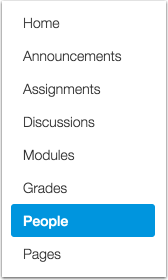
- Select People from the left navigation bar.
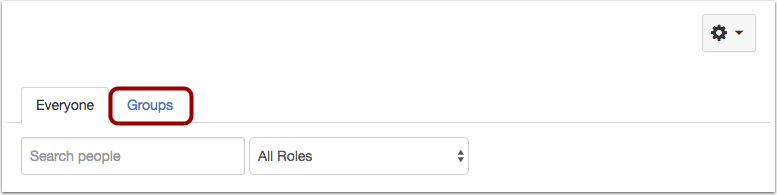
- Click on the Groups Tab. If you don’t see yourself in an assigned group, please contact your instructor right away!
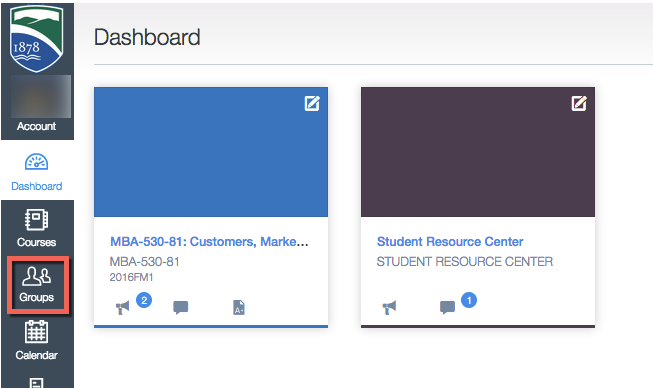
- You may also quickly access groups that you have been assigned to by clicking on Groups in the left navigation.
For more information about groups, view the following Canvas Guides: